

Archery / Setup & Calibration
Bow Sight Tape Setup: How to Use a Chronograph
Measure your finished setup, select a starting tape, and confirm your distance marks with shot groups.
A bow chronograph measures your actual arrow speed and gives you a useful starting point for bow sight tape setup. Measure several valid shots with your finished arrows, record a representative average, and use that data in a compatible sight tape calculator. Then confirm the tape by shooting at known distances.
Speed alone does not guarantee the right tape. Your sight geometry, the calculator's assumptions, arrow flight, and calibration marks all affect the result. Some movable sights select a preprinted tape from two verified distance marks instead of a speed entry.
The goal is a tape that matches your setup's confirmed impacts—not a tape based only on an advertised bow speed.
What Is a Bow Sight Tape?
A bow sight tape is a distance scale attached to a movable sight's wheel, slider, or sight bar. Once calibrated, it lets you move the intended aiming pin to a marked distance.
For example, a tape may show 20, 30, 40, and 50 yards, with smaller increments between them. Those marks represent the sight movement needed for your bow, arrow, and sight combination.
Tapes can be used with single-pin sights and compatible multi-pin movers. On a multi-pin sight, follow the manufacturer's instructions for the pin and indicator used to calibrate the tape.
A tape that fits one bow or sight may not fit another. It must match both the arrow's trajectory and the sight's geometry.
Why Actual Arrow Speed Matters
With other factors equal, a faster arrow requires less elevation correction over a given distance. A slower arrow generally needs more. Speed therefore helps a calculator estimate how far apart the tape's distance marks should be.
The number printed in a bow's specifications is a rating under defined test conditions. Your draw length, draw weight, finished arrow weight, and string accessories may differ from that test setup.
Measure the arrows you actually intend to shoot. Do not use the speed of a lightweight practice arrow to build a tape for a heavier hunting arrow.
A chronograph provides measured velocity. It does not account for every aspect of downrange flight or verify the position of your sight marks.
Two Ways to Select a Sight Tape
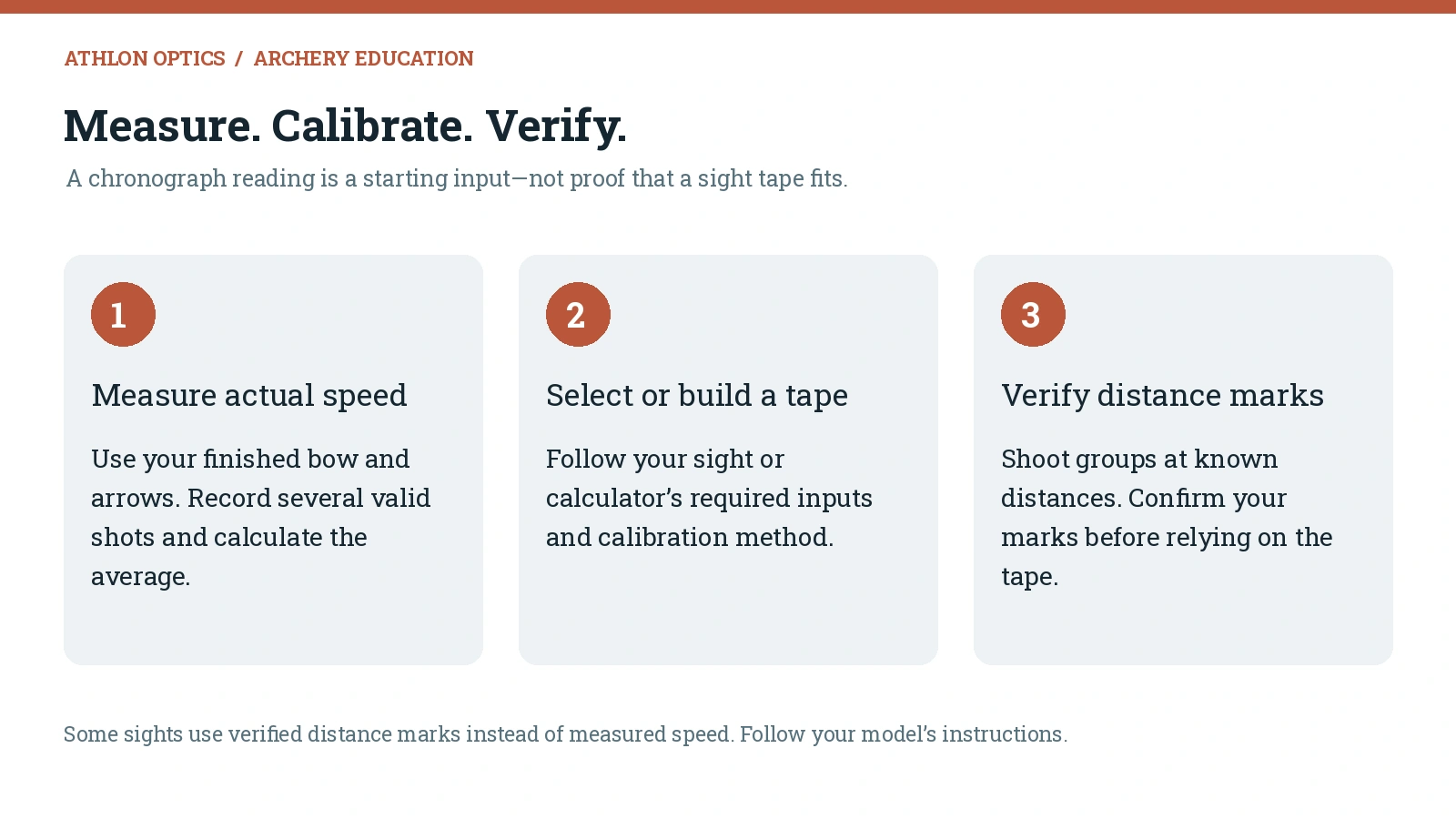
Your sight and software determine which method to use. Read their instructions before collecting measurements.
Speed-Based Calculation
A compatible bow sight tape calculator can use measured arrow speed together with the requested arrow and sight measurements. It estimates a tape that you then check against actual groups.
Different tools require different inputs. Some also use sight-in marks or downrange data to refine the result.
Calibration From Verified Distance Marks
Many sights use a setup tape or sight scale to record positions at two known distances. The spacing between those positions identifies a suitable preprinted tape or supplies calibration data for an application.
A 20- and 60-yard pair is common on some systems, but it is not a universal requirement. Use the distances and installation method specified for your sight, within the distances you can shoot consistently.
A chronograph is still useful for documenting speed and diagnosing changes, even when your sight's tape-selection method does not require it.
Prepare Your Finished Bow and Arrow Setup
Finalize the equipment before taking measurements:
- Set draw length and draw weight.
- Install the final strings, cables, peep, and string accessories.
- Mount the sight in its intended position and complete the required sight leveling.
- Tune the rest and confirm consistent arrow flight.
- Finish the arrows with their intended inserts, points, vanes, and nocks.
- Record the finished arrow weight in grains and identify the arrow set.
For a hunting setup, confirm broadhead flight as part of final verification. Matching point weight does not guarantee matching field-point and broadhead impacts.
If the equipment changes after calibration, recheck speed and the tape before relying on the old marks.
Step 1: Set Up Your Bow Chronograph
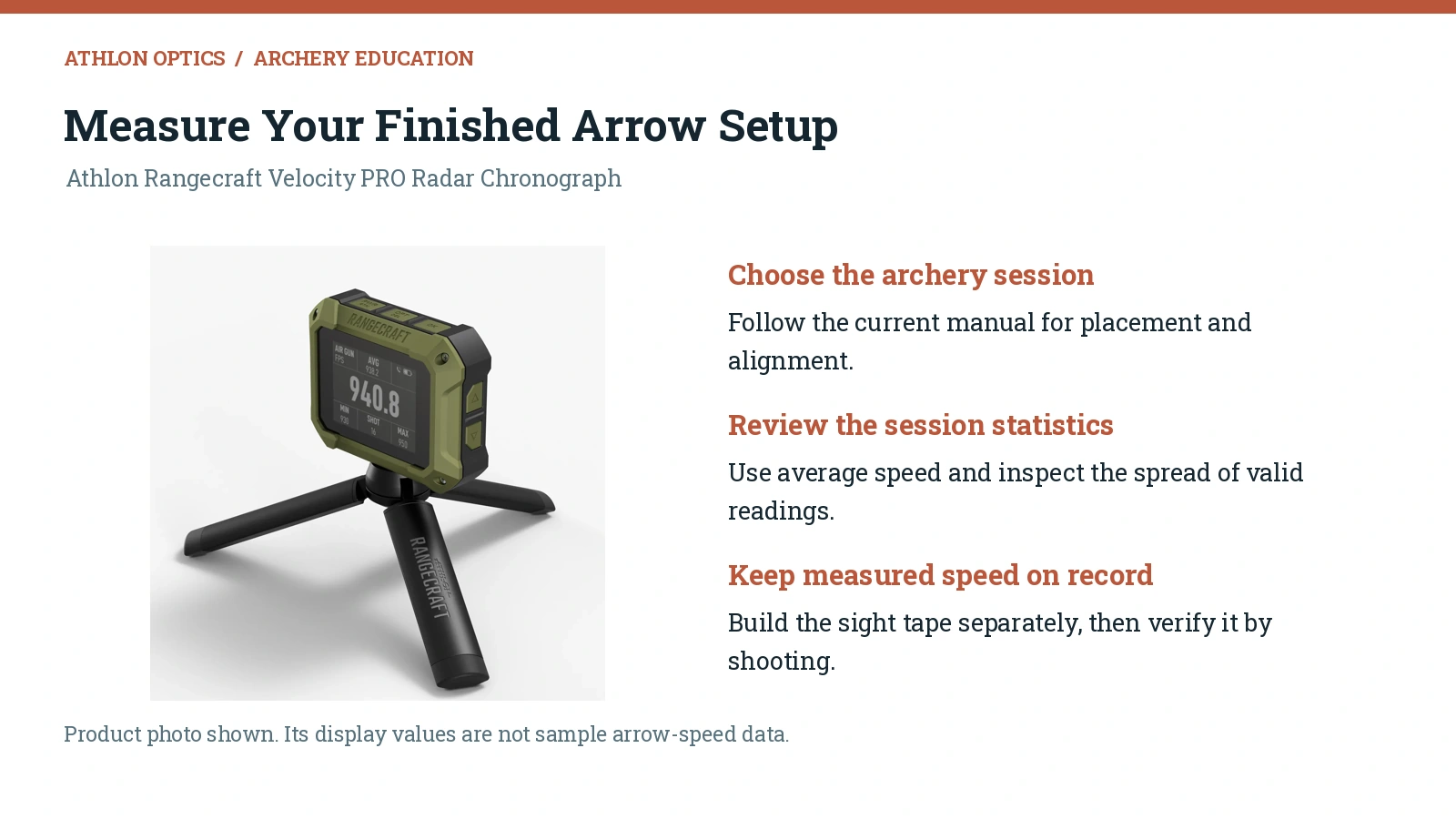
Use a clear shooting lane, an appropriate archery target, and a dependable backstop. Position the device according to its own manual, with enough clearance for the bow, arrow, and accessories.
An optical chronograph measures the arrow as it passes through its sensor area and may require specific lighting. A radar chronograph uses radar tracking without requiring the arrow to pass through an optical screen.
Our Rangecraft Velocity PRO Radar Chronograph supports archery sessions. Its user manual specifies placement within 4–10 inches of the bow's riser and illustrates the required orientation. Use that diagram rather than transferring placement instructions from another brand or device.
Select the appropriate session type and velocity range when prompted. Check the Rangecraft user manual and firmware update instructions before beginning.
Step 2: Record Several Valid Arrow Speeds
Shoot with your normal draw, anchor, and release. Start with five to ten valid shots as a practical sample, using the same arrow configuration throughout the session.
Record each speed and note any clearly identifiable measurement error or abnormal shot. A slower reading is not automatically invalid. Investigate unusual results before excluding them.
If readings vary unexpectedly, check arrow weights, draw consistency, bow timing, device placement, and—on optical units—lighting. A sight tape cannot compensate for inconsistent equipment or shooting.
Step 3: Use the Average, Not the Fastest Shot
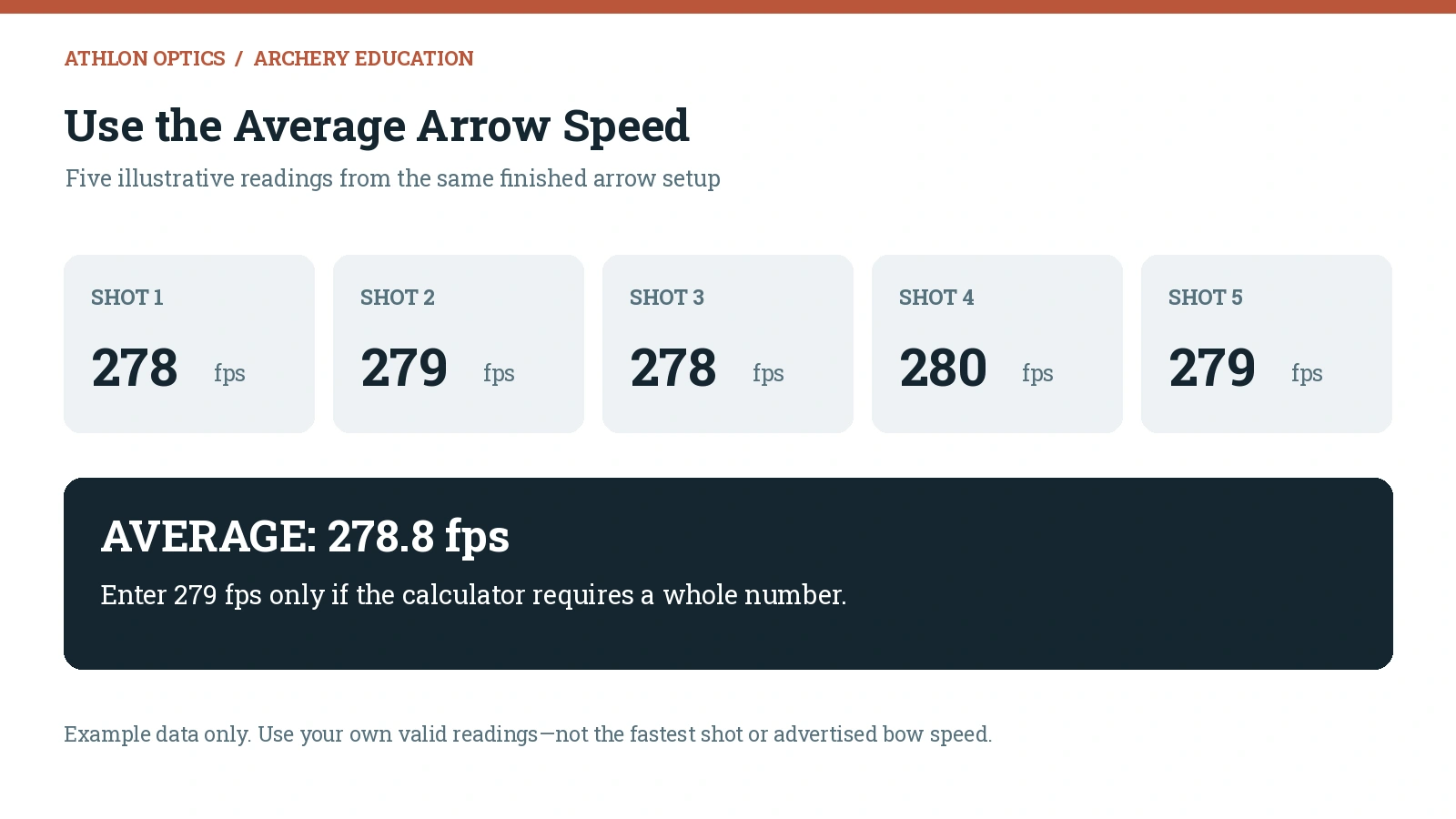
Add the valid velocities and divide by the number of shots. For example:
View the example readings as text
| Shot | Recorded Arrow Speed |
|---|---|
| 1 | 278 fps |
| 2 | 279 fps |
| 3 | 278 fps |
| 4 | 280 fps |
| 5 | 279 fps |
| Average | 278.8 fps |
The average is 278.8 fps. Use that value if the calculator accepts decimals, or 279 fps if it requires whole numbers.
The fastest shot in this example is 280 fps, but choosing it would misrepresent the average of the session. Keep the individual readings with your setup notes so you can compare future sessions.
The Rangecraft session summary includes average, minimum, and maximum velocity, standard deviation, and extreme spread. These help you evaluate the shot string as well as its average speed.
Step 4: Gather the Calculator's Required Measurements
Measured arrow speed may be only one of the inputs. Depending on the application, you may also need:
- Finished arrow weight and diameter.
- Sight model and tape dimensions.
- Sight-to-peep distance or other defined sight geometry.
- Peep or sight height, measured exactly as the tool specifies.
- Zero distance or verified sight-in positions.
- Temperature, pressure, elevation, or density altitude.
Do not substitute your own definition of a measurement. One tool's “sight height” field may not mean the same thing as another's.
Confirm units before entering data: fps versus meters per second, yards versus meters, and inches versus millimeters. Keep the original chronograph result in your notes even if the calculator later refines its fitted trajectory.
Step 5: Generate or Select the Tape
Use a calculator that supports your sight, or follow the sight manufacturer's preprinted-tape selection procedure.
For a custom printed tape, use the specified output scale. If the instructions call for actual size or 100 percent, disable “fit to page.” Check the printed scale reference with a ruler before cutting the tape.
For a preprinted set, use the manufacturer's calibration scale and verified sight positions. Do not assume a tape number is a universal arrow-speed label across different sights or brands.
The educational graphics in this article are explanations, not printable sight tapes or calibration scales.
Step 6: Establish Your Reference Marks and Install the Tape
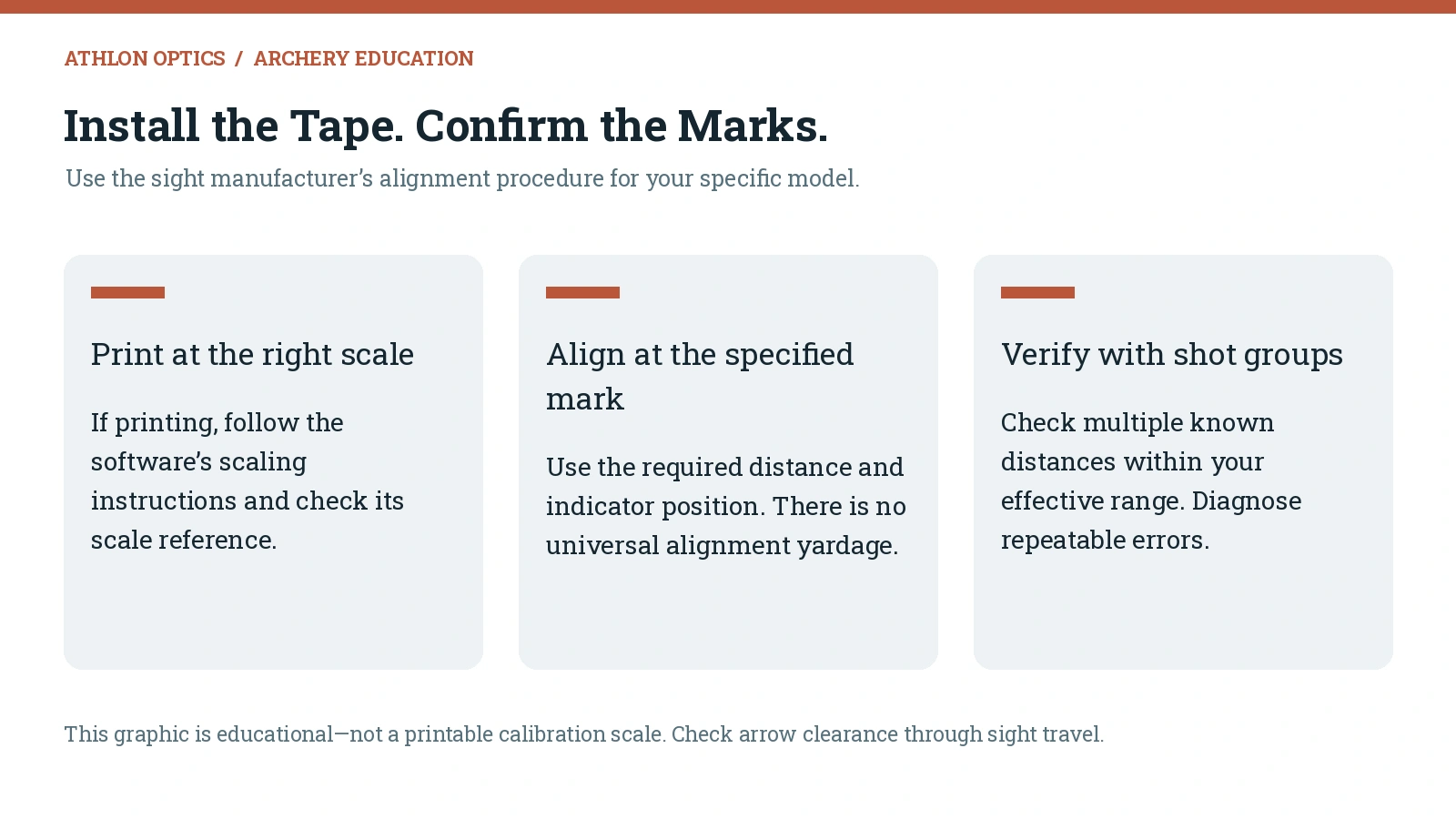
Confirm the required sight-in positions with repeatable groups at accurately measured distances. Use the correct aiming pin, pointer, and adjustment method for your sight.
Clean the tape surface, apply the tape without stretching it, and align the specified mark with the indicator at the corresponding verified sight position.
Installation procedures differ. Some systems align a close-distance mark; others recommend alignment at the farther calibration distance. Follow the instructions for your sight or software rather than treating a 20-yard alignment as universal.
Check that the tape is secure and the indicator is easy to read. Confirm clearance between the sight and the arrow, vanes, and accessories throughout the sight travel you intend to use.
Step 7: Verify the Tape at Known Distances
Start close enough to keep every arrow on the target. Confirm the reference distance, then test additional marked distances in manageable increments.
For example, you might verify 20, 30, 40, and 50 yards, then check farther marks only where you can maintain consistent groups with an adequate backstop. Use the distances relevant to your setup and practice—not the farthest number printed on the tape.
At each distance:
- Confirm the target distance.
- Set the intended pin and indicator to that mark.
- Shoot a controlled group.
- Record the group center and any consistent error.
- Recheck after correcting the cause of the error.
For a hunting tape, finish by confirming the actual broadhead configuration. A longer-distance practice group is a calibration check, not evidence of an appropriate hunting shot distance.
What If the Sight Tape Does Not Match Your Impacts?
First check the basics: target distance, aiming pin, indicator alignment, print scale, sight measurements, bow tune, and consistent shooting.
If close marks agree but errors grow farther out, the tape's spacing or trajectory model may not fit. Entered speed is one possible cause, but it is not the only one. Broadhead drag, sight geometry, installation error, and environmental differences can also affect the result.
Follow the calculator's refinement procedure or your sight's calibration method. Change one relevant input at a time and confirm the result with more than one group and distance.
Measured Speed vs. a Fitted Calculator Speed
A calculator may fit a speed parameter to verified sight marks. That fitted value is a model input; it is not a new measurement of the arrow's actual launch velocity.
For example, a measured average of 279 fps and a model fitted at 276 fps can coexist if that model better reproduces the verified marks. Keep the measured result recorded as 279 fps, document the calculator settings separately, and verify the resulting tape across your intended distances.
Do not overwrite measured data simply to hide an unexplained mismatch.
Common Bow Sight Tape Setup Mistakes
- Using advertised speed instead of measuring the finished arrow.
- Choosing the fastest reading instead of a representative average.
- Mixing arrow configurations during measurement or verification.
- Using the wrong pin or indicator on a multi-pin mover.
- Guessing sight measurements or entering the wrong units.
- Printing a tape at the wrong scale.
- Assuming every sight uses the same calibration distances or alignment method.
- Treating broadhead impact differences as a speed-only problem.
- Skipping verification after changing equipment.
When Should You Recheck or Replace a Sight Tape?
Recheck after changes that affect speed, flight, or sight geometry. These include arrow weight or components, draw weight or length, strings and cables, peep location, rest tuning, and sight position.
A significant change in shooting conditions can also justify verification, particularly when traveling between elevations or climates.
A change does not automatically require a new tape. Measure where appropriate, verify the current marks, and replace or recalibrate the tape if it no longer matches.
Frequently Asked Questions
Do You Need a Chronograph to Make a Bow Sight Tape?
Not always. Some sights select a tape from verified positions at two distances. A chronograph is useful for measuring arrow speed, supplying speed-based calculators, and comparing equipment changes.
Can You Make a Sight Tape From Arrow Speed Alone?
Speed alone is not enough to guarantee the right tape. Use a compatible tool, provide its required measurements, and confirm the output by shooting at known distances.
How Many Arrows Should You Shoot Through a Chronograph?
Five to ten valid shots are a useful starting sample. Record the individual speeds, investigate unusual readings, and collect more data if the results are inconsistent.
Should You Use Average or Maximum Arrow Speed?
Use a representative average of valid shots for a speed-based starting calculation. The fastest reading may not reflect your typical performance.
Do All Bow Sights Use 20 and 60 Yards for Calibration?
No. Those distances are common on some systems, but the correct distances, pin, and installation method depend on your sight and software.
Can Field Points and Broadheads Use the Same Sight Tape?
They may, but matching point weight does not prove matching flight. Tune and verify the actual broadhead setup at the distances you intend to use.
Does the Athlon Rangecraft Create Bow Sight Tapes?
The Rangecraft measures velocity and records session data. Use compatible sight-tape software or your sight manufacturer's selection method to create or choose the tape, then verify it through shooting.
Start With Measured Speed. Finish With Verified Marks.
A reliable sight tape combines useful measurements with confirmed sight positions. Measure the finished arrows, use the correct calibration method, and check the marks with repeatable groups.
Explore our Rangecraft Velocity PRO Radar Chronograph for velocity measurement and session data. Keep those readings with your setup notes, and let verified impacts determine whether the final sight tape fits your bow.